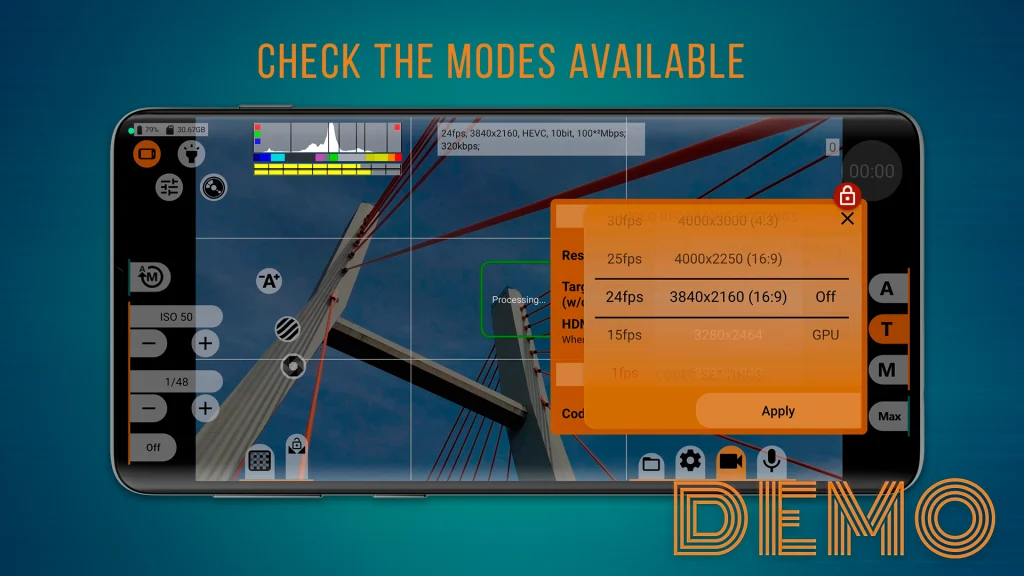
Getting cinematic-looking footage on a smartphone is not always about having an expensive camera. Sometimes, the bigger difference comes from how much control you have over the recording process. Automatic camera apps make everyday filming simple, but they may leave creators wanting more control over exposure, focus, frame rate and other video settings. This is where the mcpro24fps Mod APK becomes interesting.
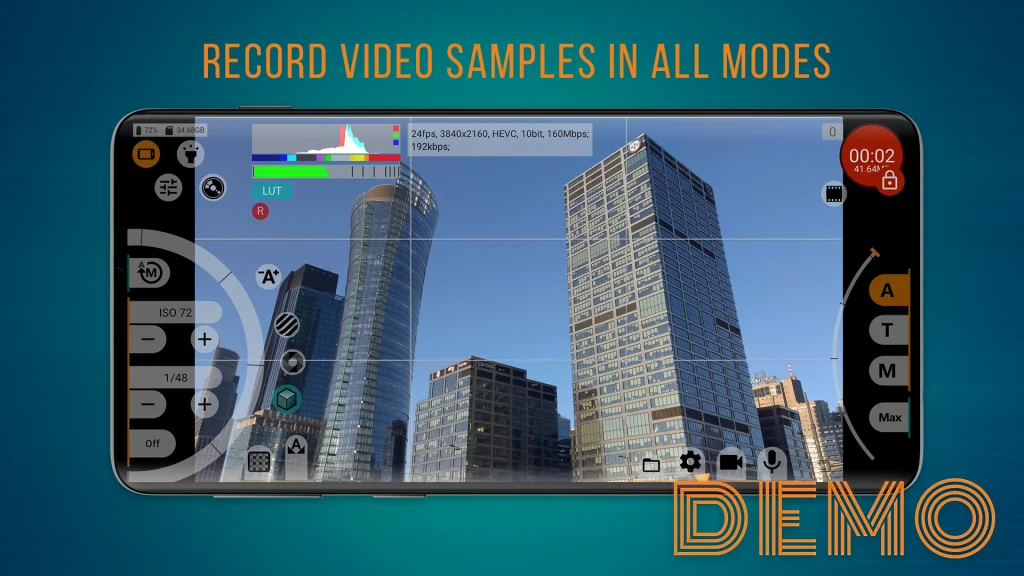
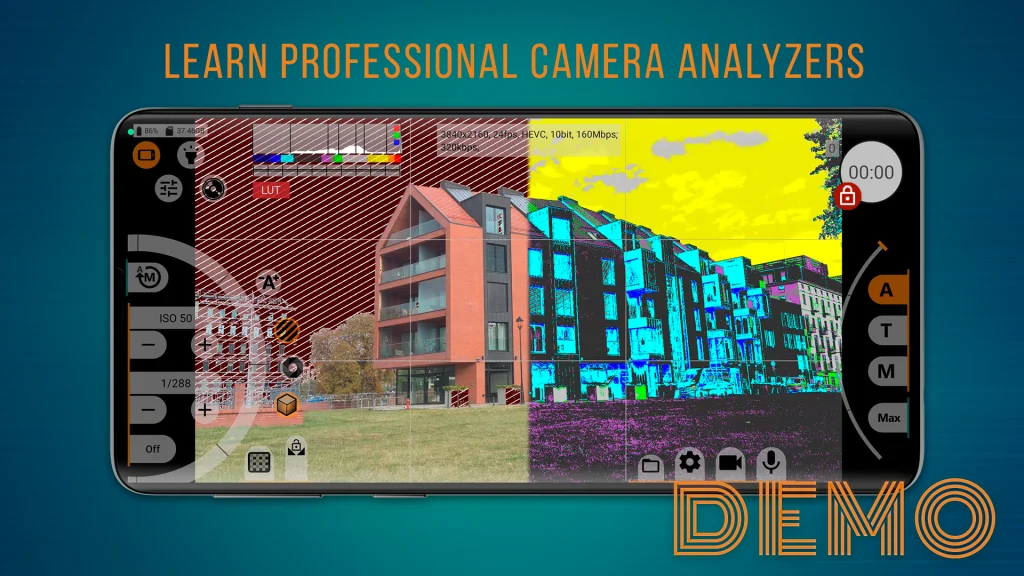
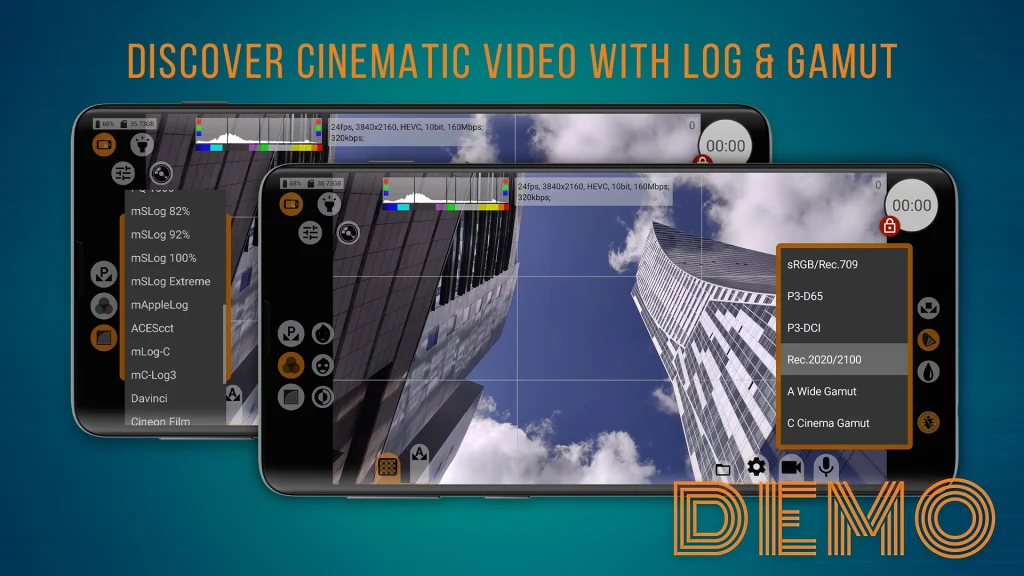
MCpro24fps is a manual video camera app designed for Android users who want greater control over smartphone video recording. Its demo version gives interested users an opportunity to explore the camera interface and understand its approach before deciding whether the full application suits their needs.
Why Smartphone Filmmakers Look for MCpro24fps Demo
A standard smartphone camera usually makes most recording decisions automatically. This works well for casual videos, family moments and quick social media clips. However, automatic adjustments can become frustrating when lighting changes during a shot or when you want several clips to maintain the same visual appearance.
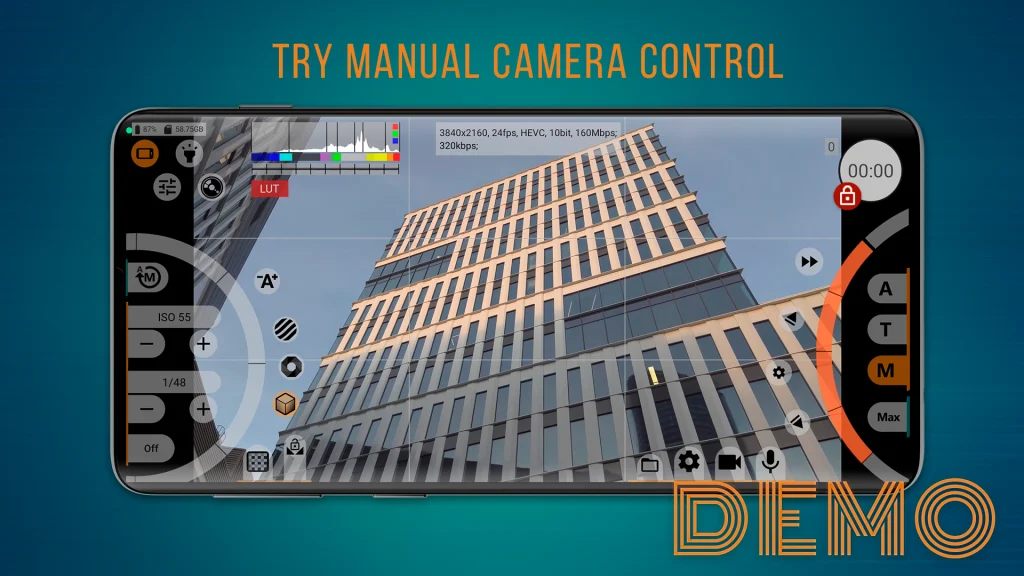
The MCpro24fps demo attracts attention from people who want to explore manual video controls. Instead of depending entirely on automatic adjustments, users can learn how different recording parameters influence the final footage. This can be particularly useful for:
- YouTube creators recording videos with an Android phone.
- Beginners learning manual camera settings.
- Mobile filmmakers interested in cinematic footage.
- Content creators producing Instagram Reels and short videos.
- Users who want more control over video exposure and motion.
The main attraction is the opportunity to understand a more advanced recording interface without immediately committing to a paid application.
Camera Controls That Make a Difference
Manual controls are useful because different recording situations require different camera settings. A bright outdoor scene, an indoor interview and a night-time street recording cannot always be handled in the same way.
Exposure and ISO Settings
ISO controls how sensitive the camera sensor is to light. Increasing ISO can help when recording in darker environments but may introduce additional image noise. Lower ISO values generally produce cleaner footage when sufficient light is available.
Manual exposure control helps users make deliberate adjustments instead of allowing the camera to change brightness unexpectedly. This is particularly helpful when recording a subject against a bright background.
Shutter Speed for Natural Motion
Shutter speed affects how movement appears in a video. A faster shutter can make moving objects look sharper but may also create a more abrupt appearance. A slower shutter introduces more motion blur.
For creators who want a natural-looking motion effect, understanding the relationship between frame rate and shutter speed is useful. A commonly used starting point is to set the shutter speed at approximately double the frame rate, although the best setting depends on the lighting and creative style.
Manual Focus for Better Subject Control
Automatic focus is convenient, but it does not always focus on the subject you want. During interviews, product videos or close-up recordings, unwanted focus changes can distract viewers.
Manual focus gives the operator more control over which part of the scene remains sharp. It can also help create intentional focus transitions between objects at different distances.
Understanding Frame Rates and Video Quality
Frame rate determines how many individual frames are recorded every second. It influences the appearance of movement and the possibilities available during editing.
For instance, 24fps is commonly associated with a cinematic presentation, while 30fps is frequently used for online videos and everyday content. Recording at 60fps can be useful when smoother movement or slow-motion editing is required.
However, a higher frame rate does not automatically mean better video quality. It can require more processing power, storage space and available light depending on the recording settings.
The MCpro24fps demo is worth exploring for users who want to understand these recording choices. Before selecting a particular frame rate, consider where the video will be published and whether it will need additional editing.
How to Get Started With mcpro24fps Mod APK
If you want to explore the application, start by checking its official availability and compatibility with your Android device. Demo availability, supported features and installation options can vary depending on the current app release and distribution platform.
A sensible starting process includes the following steps:
- Check device compatibility: Confirm that your Android version and camera hardware support the application’s requirements.
- Find the legitimate demo: Look for the developer’s official distribution or an authorised app listing.
- Review available permissions: Understand why the application requests access to your camera, microphone and storage.
- Explore the interface: Become familiar with the recording controls before filming anything important.
- Record a short sample: Test different exposure, focus and frame-rate settings in a controlled environment.
- Review the footage: Check sharpness, brightness, movement and audio before deciding whether the application meets your expectations.
Avoid downloading modified APK files from unfamiliar websites. Camera applications require sensitive device permissions, so choosing a trustworthy download source matters.
MCpro24fps Demo vs a Standard Android Camera App
The biggest difference between a manual camera application and a typical smartphone camera is the level of user involvement.
A standard camera app prioritises convenience. It makes automatic decisions about exposure, focus and other settings to help users capture footage quickly. This is suitable for people who do not want to spend time adjusting technical parameters.
MCpro24fps takes a more manual approach. Its appeal is the possibility of controlling recording parameters rather than depending entirely on automatic processing.
However, manual control also introduces a learning curve. Incorrect exposure or focus settings can produce footage that looks worse than what the default camera application would have captured.
Neither approach is automatically better. The right choice depends on whether you prefer quick recording or greater creative control.
Things to Consider Before Using the App
A professional-style camera interface cannot overcome every hardware limitation. The quality of recorded footage still depends on the smartphone’s camera sensor, lens, image processing and available lighting. There are several practical considerations worth remembering:
- Device compatibility: Not every Android phone supports the same camera features. Hardware and manufacturer restrictions can affect available recording options.
- Storage requirements: High-resolution video and higher frame rates can produce large files.
- Battery consumption: Extended video recording can increase battery usage and device temperature.
- Learning curve: Manual settings require some understanding of exposure, focus and frame rates.
- Audio quality: Good video also needs clear sound. An external microphone may be worth considering for interviews and presentations.
Check the demo’s actual feature restrictions before assuming that every control available in the full application is included. You can also download the Splice Mod APK.
Who Should Explore MCpro24fps Demo?
The application is particularly relevant to Android users who enjoy experimenting with camera settings. Beginners can use a demo to become familiar with manual recording concepts, while experienced creators may be interested in its control options and recording workflow.
It may not be the ideal choice for someone who simply wants to open a camera and record without making adjustments. Casual users may find their phone’s default camera more convenient.
For aspiring filmmakers, however, learning how ISO, shutter speed, focus and frame rate work can improve the way they approach mobile video production. These skills are useful beyond one particular application because they apply to many dedicated video camera tools.
The mcpro24fps APK is worth considering if you want to move beyond automatic smartphone recording. Explore its available controls, check compatibility with your device and record a few test clips before making a purchase decision. The most useful camera app is ultimately the one that gives you the right balance of creative control, recording quality and everyday convenience.